macOS · Powered by the local Claude Code CLI
Turn any PDF
into a study guide.
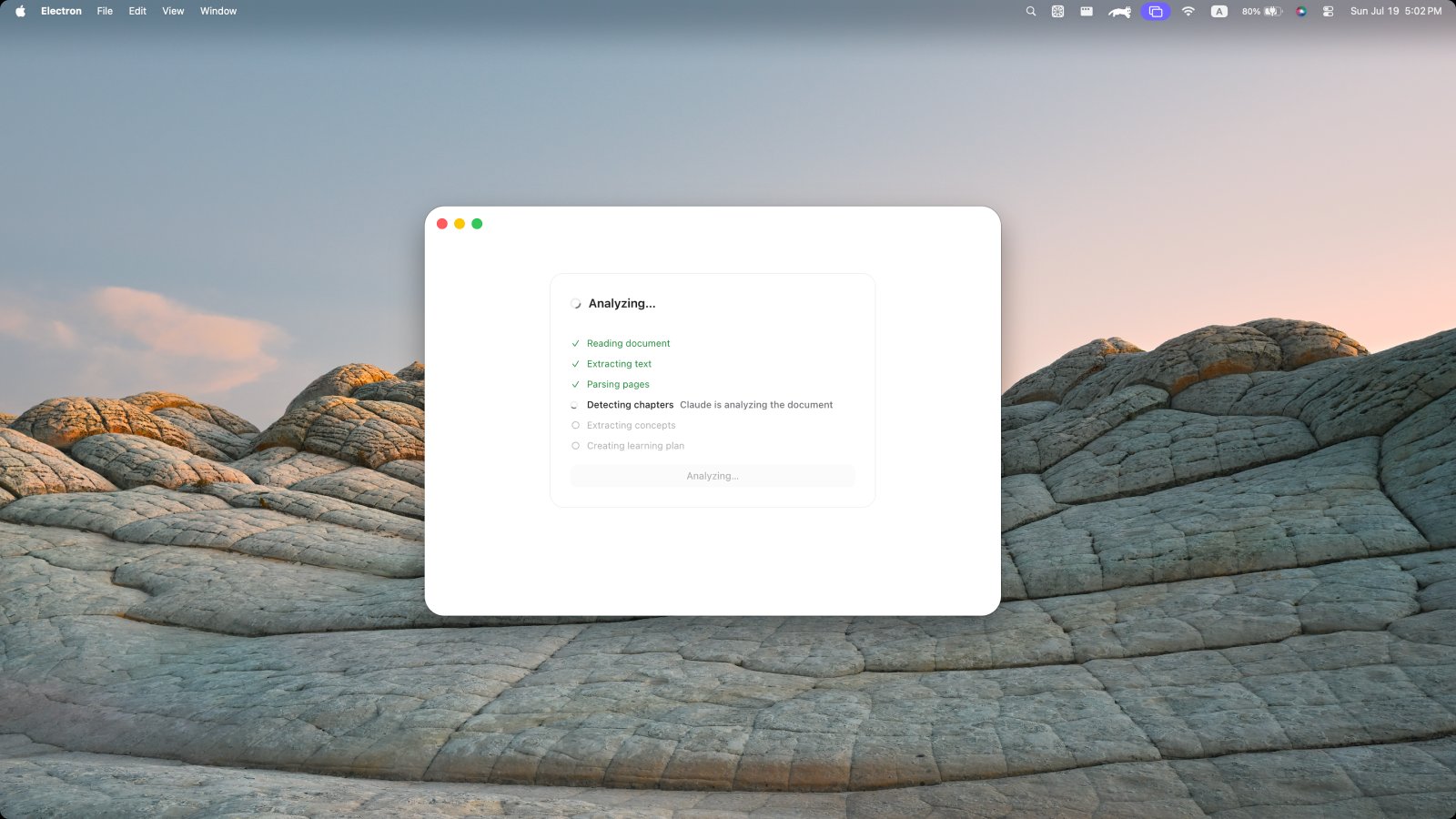
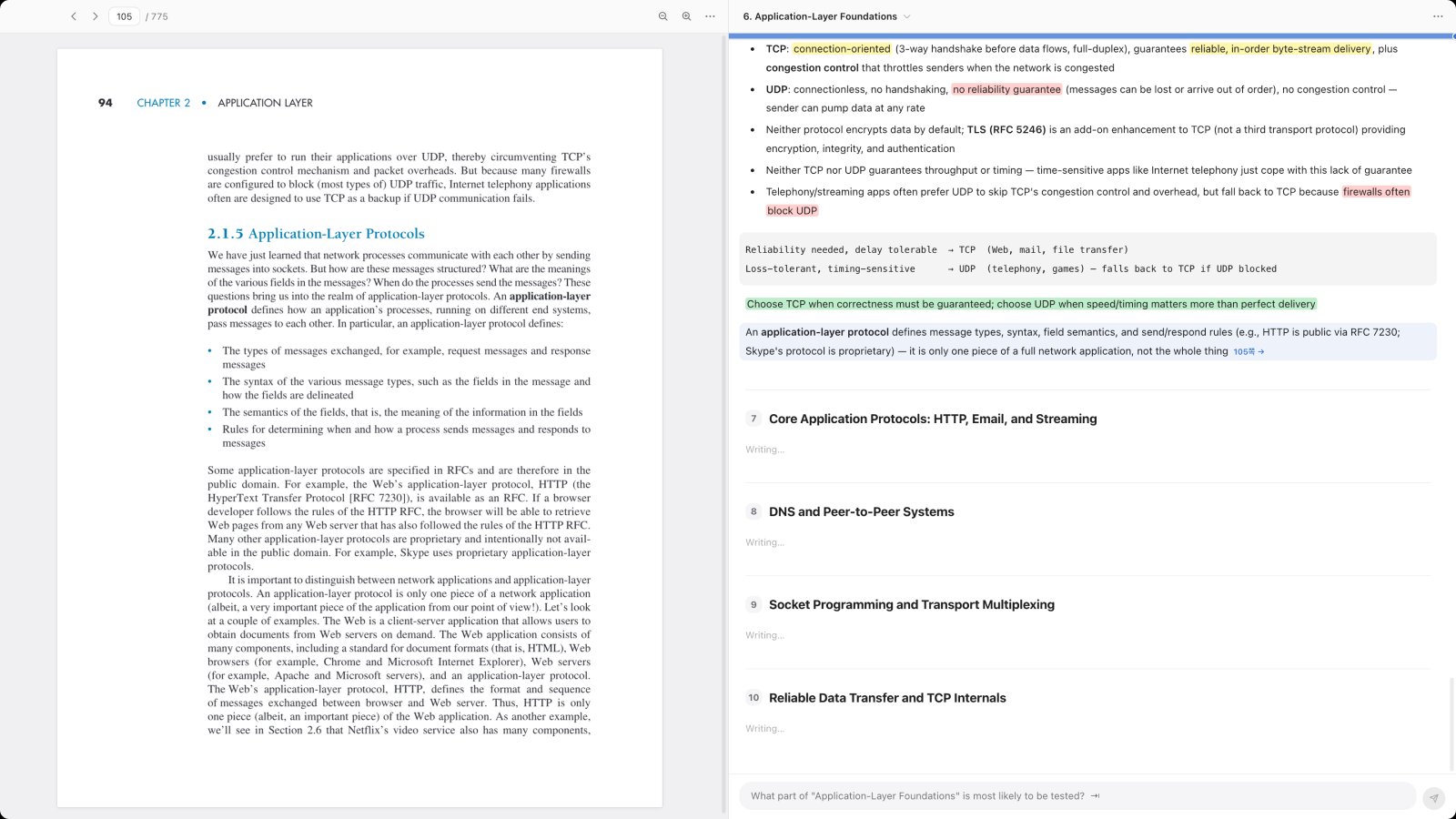
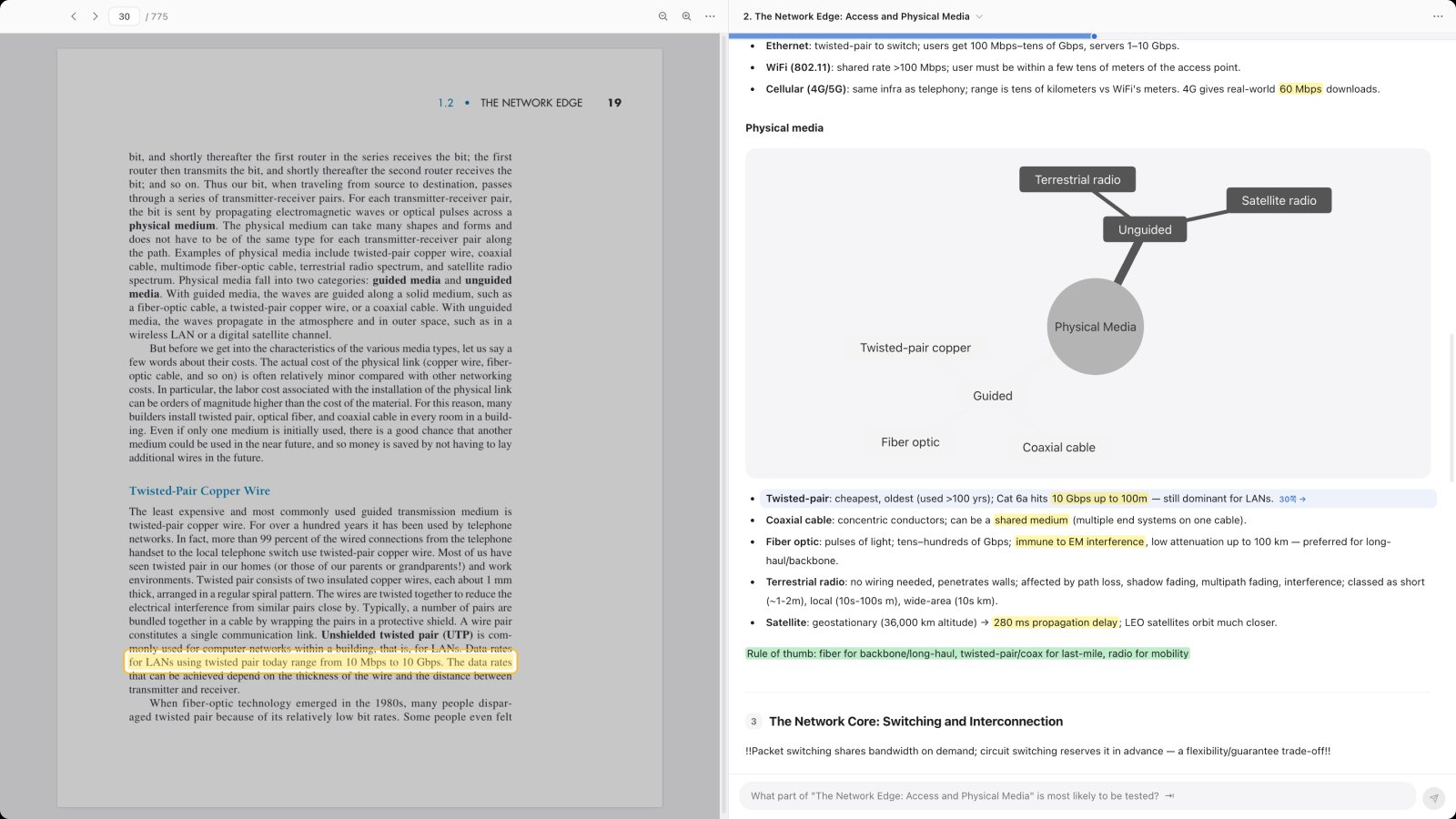
Docent turns your PDFs into a study guide. Read the summary to get through the material fast — and whenever something isn't clear, click the sentence to see the exact spot in the original it came from.
Loading the latest release…
Not notarized yet — if macOS blocks the first launch, right-click → Open, or use Privacy & Security → Open Anyway. Details